

DocsSettings
Settings overview
How to open Settings, what each tab is for, theme, language and workspaces.
Settings opens as a window over the page you are on. Click Settings in the left sidebar; the tabs are listed on the left of the window.
truepick.ai/…
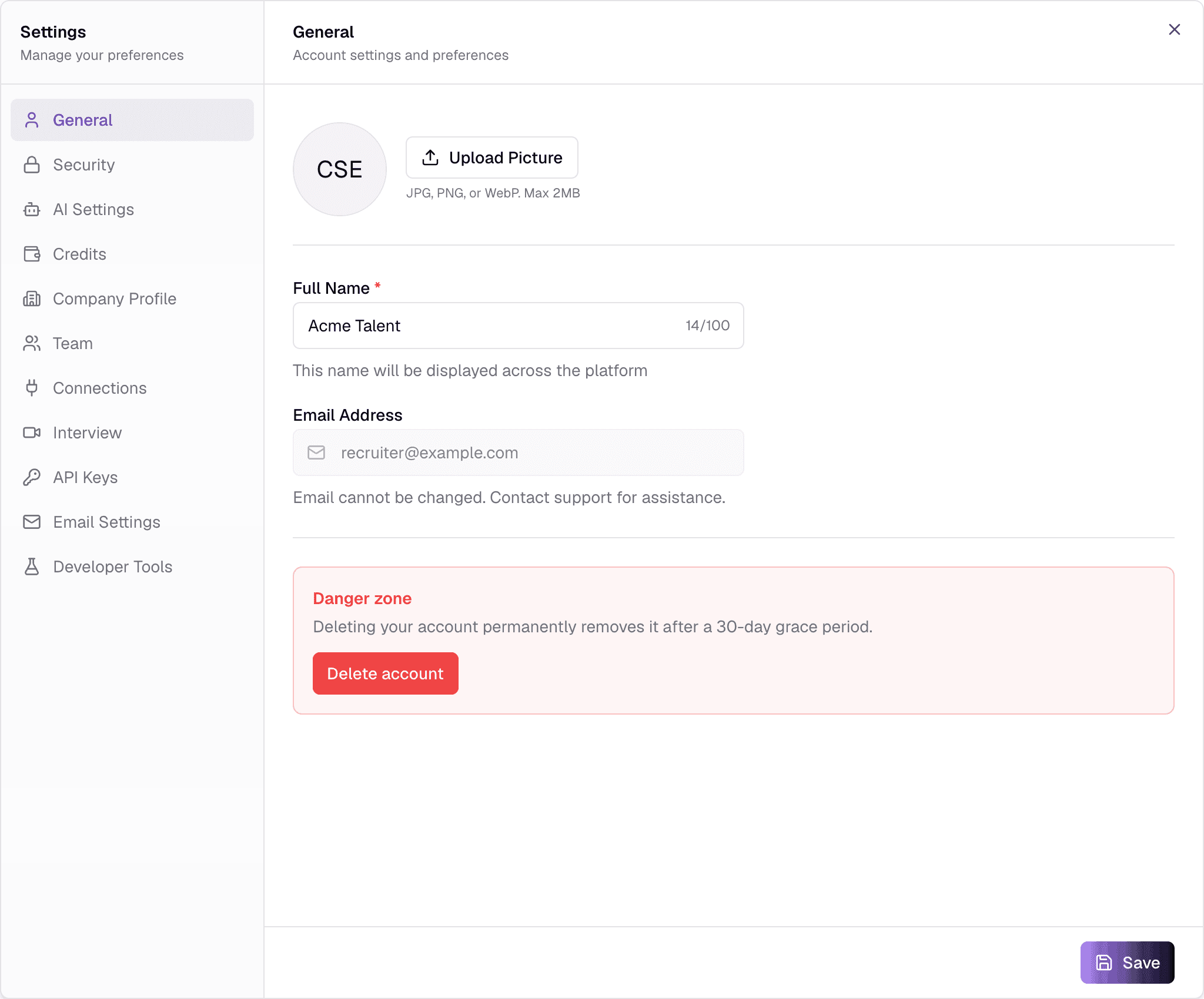
- Clicking AI budget at the bottom of the sidebar opens Settings on the Credits tab.
- Tabs with editable fields have a Save button at the bottom. Some switches save straight away — the docs for each tab say which.
The tabs
GeneralYour name, profile picture and account deletion.
SecurityChange your password.
AI SettingsWhich AI model each part of Truepick uses, and Fraud Shield.
CreditsYour AI budget, what it is spent on, and its history.
Company ProfileCompany name, logo, size, website and time zone.
TeamInvite colleagues and manage who has access.
ConnectionsConnect Gmail, Google Meet, Teams, Zoom and more.
InterviewMeeting platform, working hours, durations, reminders, video interviewer.
API KeysKeys for the Jobs API and for embedding jobs on your website.
Email SettingsSend email from your own mail server, and the email kill switch.
Administrators also see Developer Tools, used by the Truepick team for testing.
Theme and language
These are in your user menu, not in Settings: click your name at the bottom of the sidebar.
truepick.ai/…
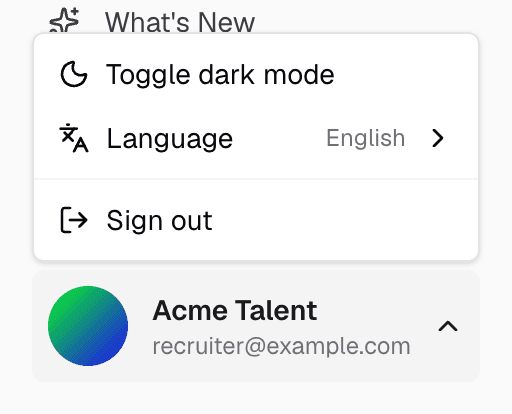
- Toggle dark mode switches between light and dark.
- Language switches the app between English and Arabic (العربية). The layout flips to right-to-left for Arabic.
- Sign out ends your session.
Switching workspaces
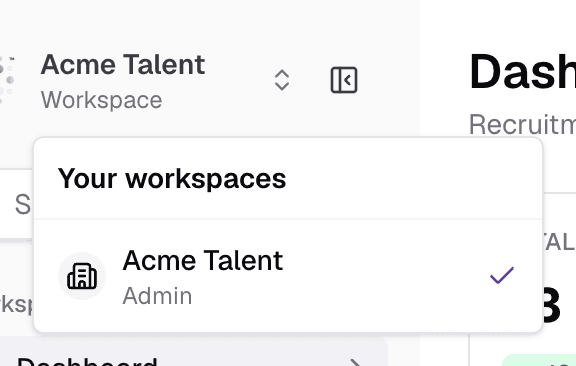
If you belong to more than one company, click the company name at the top of the sidebar and pick another workspace. The app reloads in that workspace, with its own jobs, candidates and settings.
truepick.ai/…
Everything is per workspace
Jobs, candidates, credits, connections and settings belong to one workspace. Your own name, picture and password are shared across all of them.
Still have questions?
Pick a question — ChatGPT reads this page and answers it for you.